
Cloud digital signage software for Android TV, Tizen, webOS and every screen
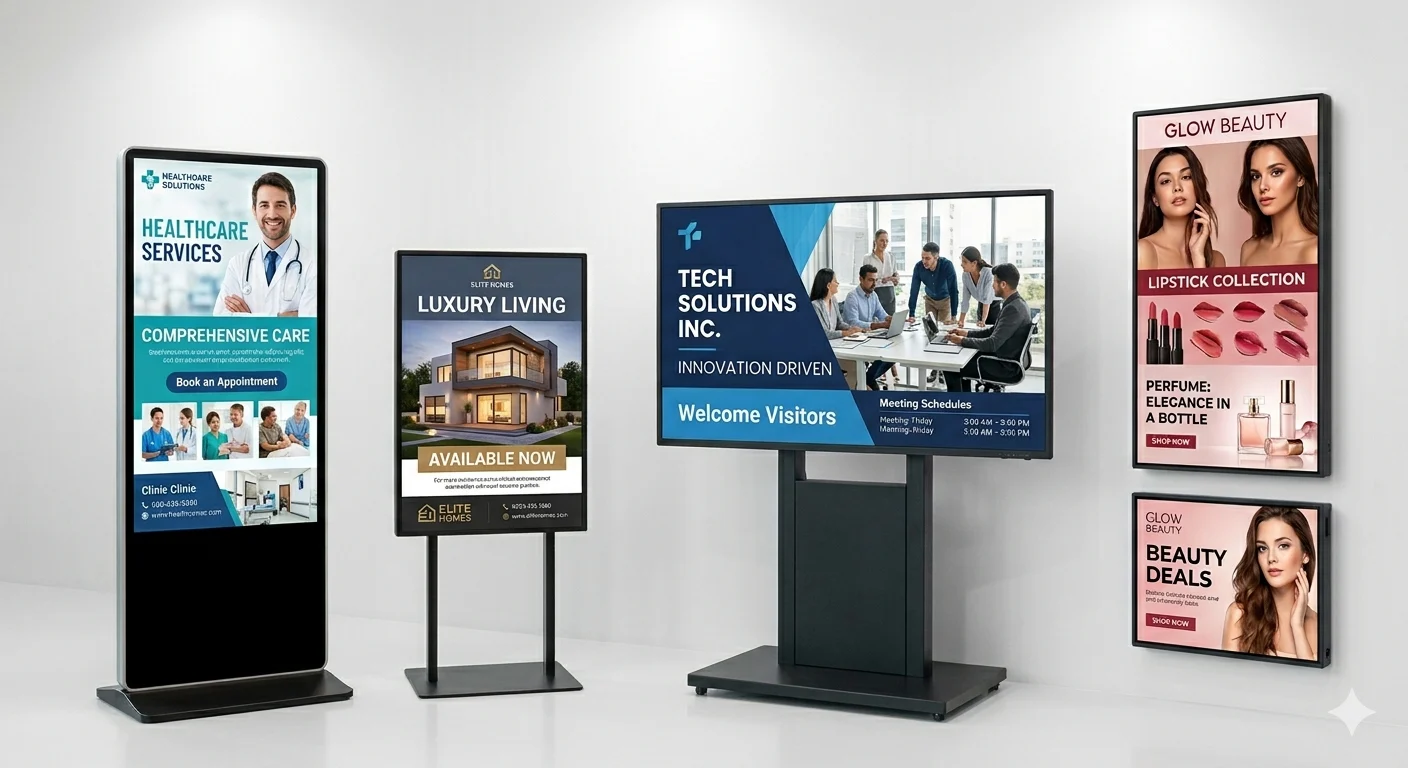
Digital signage in action
One platform. Every screen, every industry.
From clinics and restaurants to retail, real estate and corporate lobbies — design once and push it live to every display in seconds.
What is nextdooh
One control room for a network that never sleeps.
The cloud platform behind digital out-of-home. Design once, schedule anywhere — every screen plays it in sync, on time, and provably.
Media, images and video, playlists, and built-in content apps — menus, weather, news, RSS, QR, clocks and tickers — composed into multi-zone layouts.
Scheduling, dayparting, priorities and split-groups — plus 9-role RBAC and multi-tenant, white-label reseller tenancy.
Live WebSocket push — not polling — and OTA self-update across all eight player surfaces. Offline-first: each player loops its cache through any outage, then reconciles.
Per-second proof-of-play: every row carries a server-written SHA, and native players sign theirs with a device HMAC an auditor can verify in an append-only audit log an auditor can re-hash and export.
Why choose us
Signage that simply doesn't break.
Real-time, offline-tough and provable — the reasons operators move their whole network onto nextdooh and never look back.
Real-time, never stale
WebSocket push lands changes the moment you hit save — not a 5-minute poll.
Up when the network isn't
Offline-first players loop cached content through any outage, then reconcile on their own.
Proof you can defend
Per-second logs with server-SHA + player-HMAC — append-only and re-hashable by an auditor.
Eight surfaces, one workflow
Android to BrightSign to browser kiosk — every platform from a single pair code.
Made for resellers
Multi-tenant, white-label tenancy and 9-role RBAC built in from day one.
Tiny, self-updating players
Thin kiosk wrappers refresh on every reload — no per-platform release pipeline to babysit.
The platform
Everything a serious signage network needs.
Real-time push
Hit save and the layout is on every screen in the same WebSocket heartbeat — no polling, no waiting.
Multi-zone layouts
Split any screen into a grid — drag to merge cells, resize rows & columns, then drop in live apps: weather, calendar, news, clocks, stocks & looping YouTube.
Proof of play
Per-second logs, SHA + signed HMAC. Re-hash any row to verify.
Offline-first
The loop runs through any outage, then reconciles on its own.
Schedules & dayparting
Calendars, priorities and split-groups — the right content on the right screen at the right minute.
Emergency alerts
Full-screen takeover or rolling ticker — live to every connected device in one click.
Eight surfaces, one platform
Wherever your screens already are.
One kiosk renderer, wrapped natively for every platform a customer might actually own. Update the dashboard, every surface follows — no per-platform rebuild, no per-platform learning curve, no “that integration is on the roadmap”.
Built for your floor
One platform, every kind of venue.
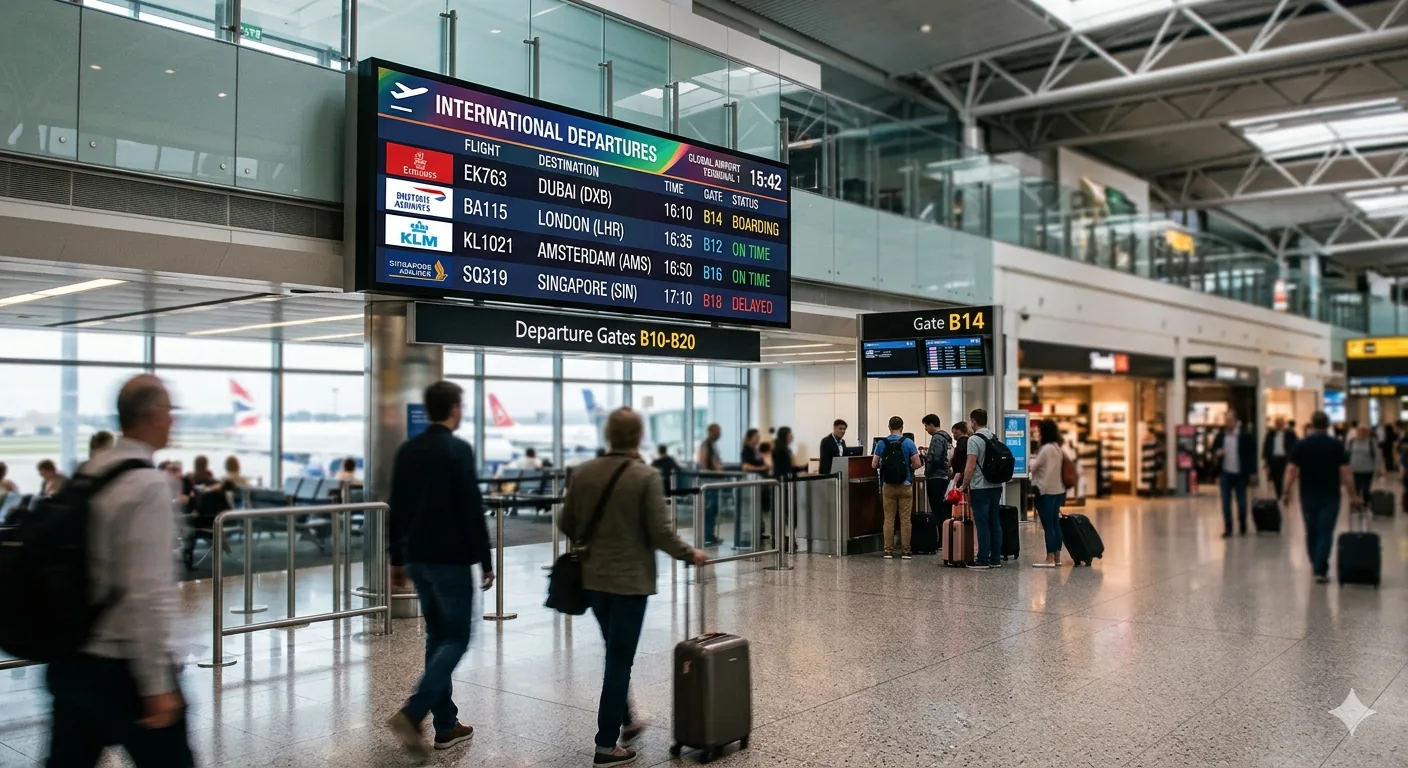
Wayfinding, queue tokens and live department boards — every screen updated from one dashboard.
ExploreLobby welcome screens, event boards and in-room channels that change by the hour.
ExploreCampus halls, cafeteria menus and exam-day alerts pushed across the network in seconds.
ExploreWindow displays and in-store lookbooks synced to every storefront, on every player.
ExploreShelf-edge promos, aisle deals and loyalty offers — live across every endcap, updated by the hour, not the site visit.
ExploreYour brand on every pixel.
On the Enterprise plan, nextdooh runs fully white-labelled — your logo, your domain, your colours, your reseller tenants. Multi-tenant from the core, 9-role RBAC, and optional on-prem deployment with source escrow.
Ready when you are
Let's put your network live.
Book a 20-minute walkthrough. We'll pair a screen on the call and push content to it before you hang up.